 unreal engine plugin free
Kiosk for Unreal Engine
// overview
The Kiosk plugin for Unreal Engine installs into your engine or project folder and connects to your running Kiosk instance. A Kiosk menu appears in the editor’s main menu bar: Kiosk → Open Kiosk Library opens your library connected to this editor, and clicking an asset imports it. Texture sets arrive as Material Instances built off Kiosk's shipped OpenPBR master materials, HDRIs land as an HDRI Backdrop or Sky Light, and meshes import into their own folder ready to drop into the level.
// features
More than a Unreal Engine plugin
Poly Haven, auto-wired PBR materials, one-click Command Stacks — Kiosk handles the busywork so you can stay in Unreal Engine.
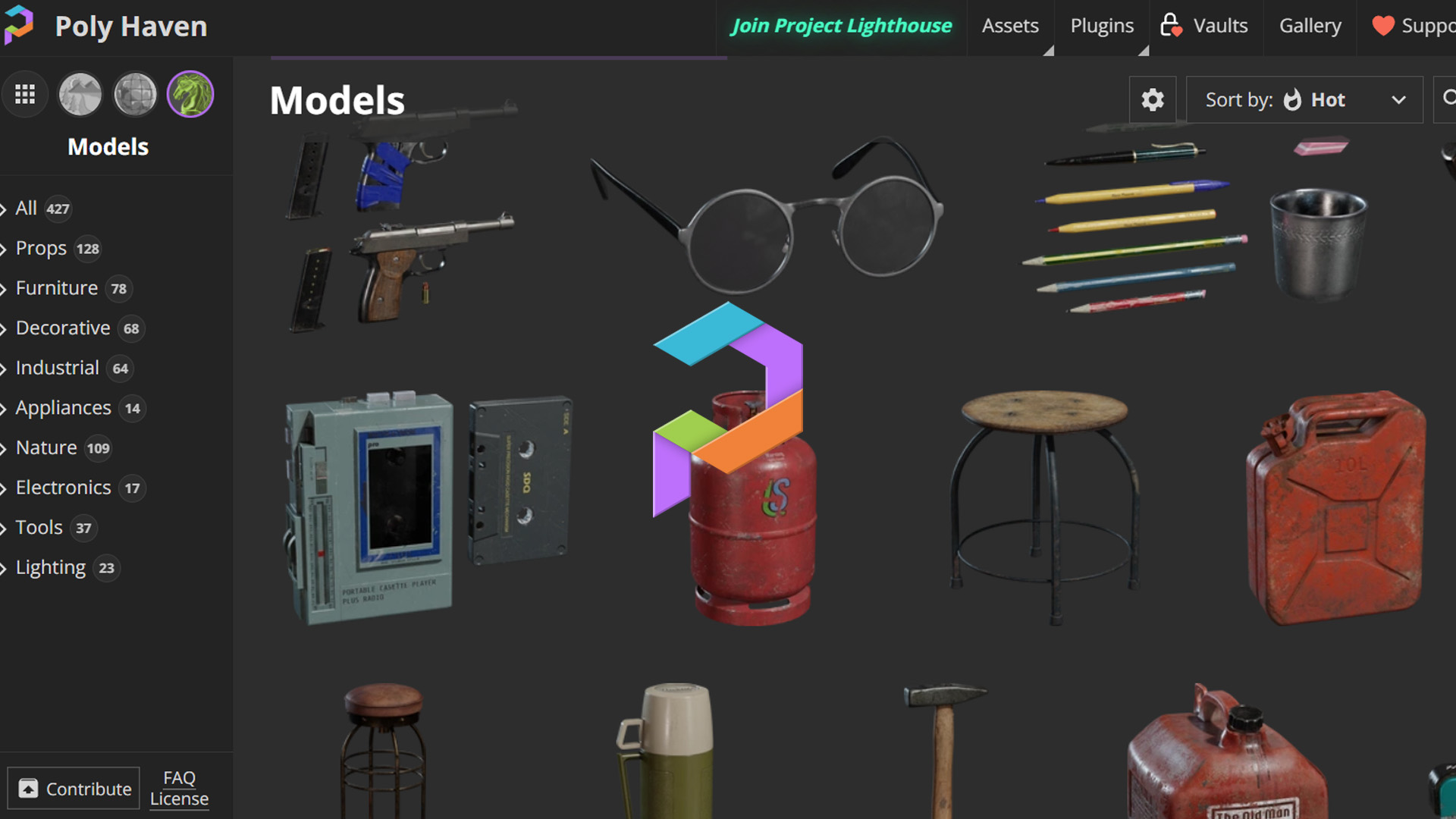
Poly Haven, built in
3,000+ free HDRIs, textures, and 3D models — browse and download from Poly Haven inside Kiosk, then send them straight into Unreal Engine.
OpenPBR Detection
Kiosk auto-detects PBR texture sets and wires a complete material — base color, roughness, metalness, normals, and more — the moment it lands in Unreal Engine.

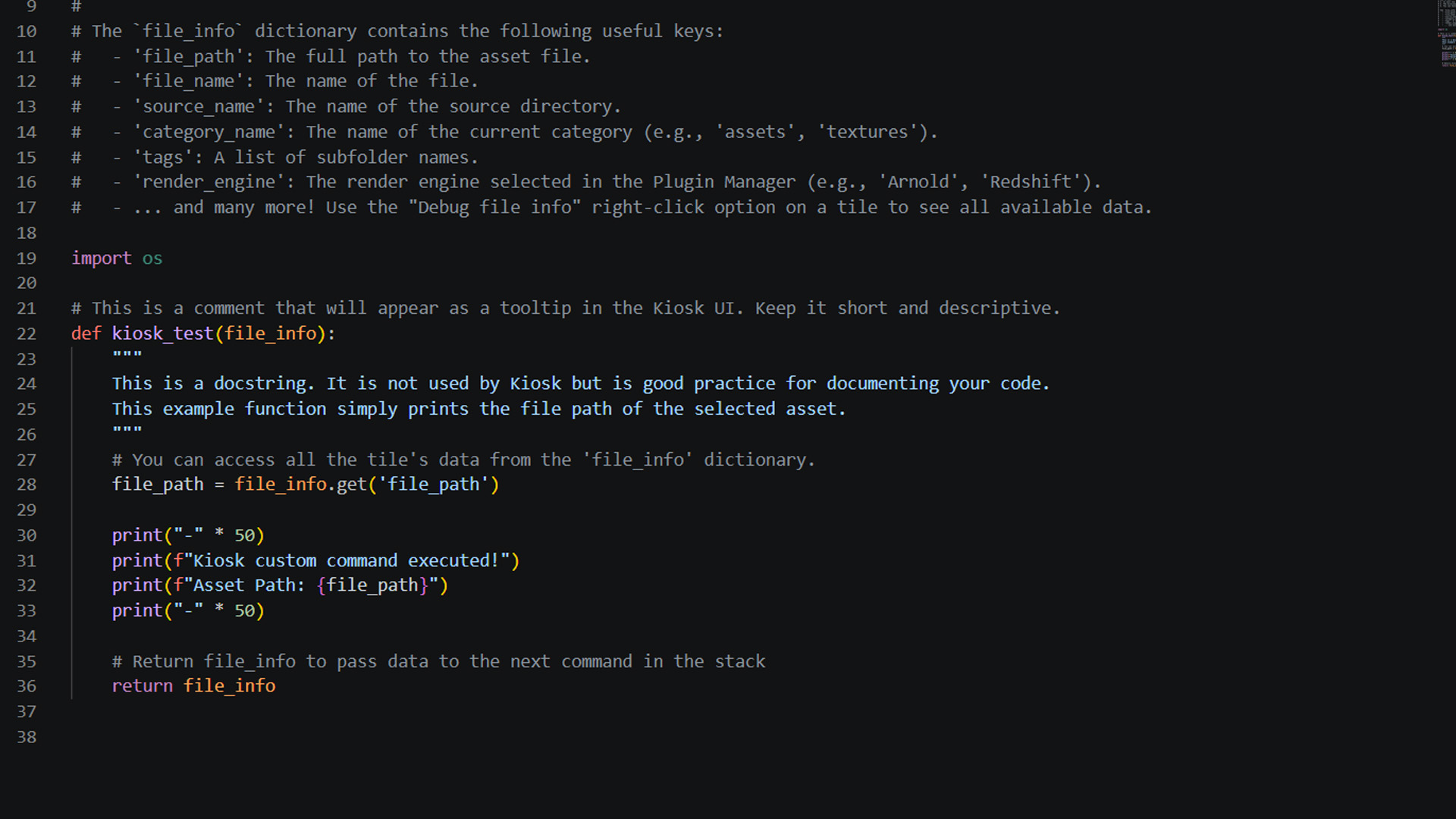
One-click Command Stacks
Build sequences of Python commands per category. Import an asset, create a material, and set up lighting — all in a single click inside Unreal Engine.
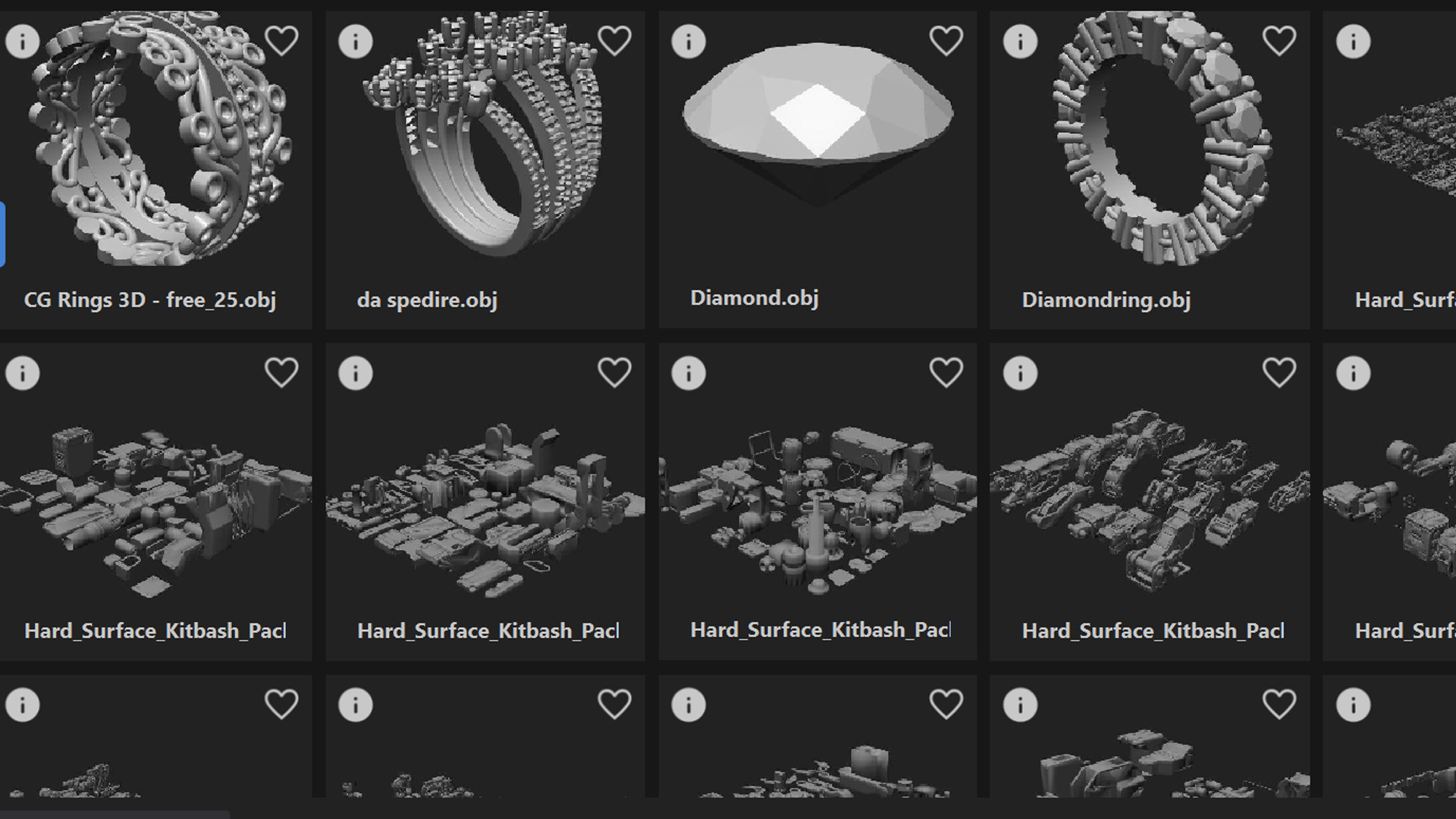
Auto Thumbnails
Every model, texture, and HDRI gets a visual preview generated automatically. Browse your whole library by image, never by filename.
// workflow
Built for your Unreal Engine workflow
Designed to fit the way you already work.
In the Editor Menu Bar
A Kiosk menu sits in the Unreal Editor’s main menu bar. Open Kiosk Library launches Kiosk connected to this editor; Copy Master Materials to /Game is one entry down.
OpenPBR Master Materials
Eight master materials ship with the plugin — opaque and masked, basic and advanced, standard and virtual-texture variants, with UV tiling, planar/triplanar projection, tiling breakup and colour corrections. Every texture set becomes a Material Instance bound by OpenPBR channel.
UDIM Texture Sets
Mari-style UDIM tiles import as a single virtual texture against the matching VT masters. Kiosk checks whether Virtual Texturing is enabled and tells you, rather than importing one tile and calling it done.
HDRI Backdrop & Sky Light
Send an HDRI and Kiosk imports it as a cubemap and sets up an HDRI Backdrop — or a Sky Light when that engine plugin is off. Retargets the selected one instead of adding a second.
Rect Light Gobos
Turn any image into lighting: kiosk_create_rect_light drives a Rect Light source texture and a grayscale projected gobo, with source size, intensity and projection angle exposed.
Colour-Managed Import
Textures carry their source primaries and encoding into Unreal — ACEScg, linear Rec.709, sRGB and Raw are set on import instead of guessed from the channel name.
// setup
Up and running in minutes
Installing the Unreal Engine plugin takes less than 5 minutes.
- 1
Download and install Kiosk Library on your machine.
- 2
In Kiosk, open App Menu → Plugin Manager, select Unreal Engine, and click Install Plugin. Point it at either your engine folder (C:\Program Files\Epic Games\UE_5.8) for every project, or a single project folder containing the .uproject.
- 3
In Unreal, go to Edit → Plugins, search for Kiosk, tick it, and restart the editor. Each project enables it separately.
- 4
Click Kiosk → Open Kiosk Library in the editor’s main menu bar. A green dot in Kiosk's top-right confirms the live session.
- 5
Optional: run Kiosk → Copy Master Materials to /Game for editable project-local copies of the OpenPBR masters, and enable Project Settings → Rendering → Virtual Textures if you work with UDIMs.
// integrations
Use a different app too?
One library, every DCC. Kiosk plugs into all of them.




Bring your library into Unreal Engine.
The Unreal Engine plugin is free. No account, no subscription. Install it in minutes and never leave your workspace to find an asset again.