 cinema 4d plugin free
Kiosk for Cinema 4D
// overview
The Kiosk Cinema 4D plugin integrates natively into C4D's interface. Your entire library is accessible with full thumbnail previews and customizable import actions. Whether you're merging objects, loading materials, or applying textures to selections, Kiosk lets you define exactly what happens when you pick an asset.
// features
More than a Cinema 4D plugin
Poly Haven, auto-wired PBR materials, one-click Command Stacks — Kiosk handles the busywork so you can stay in Cinema 4D.
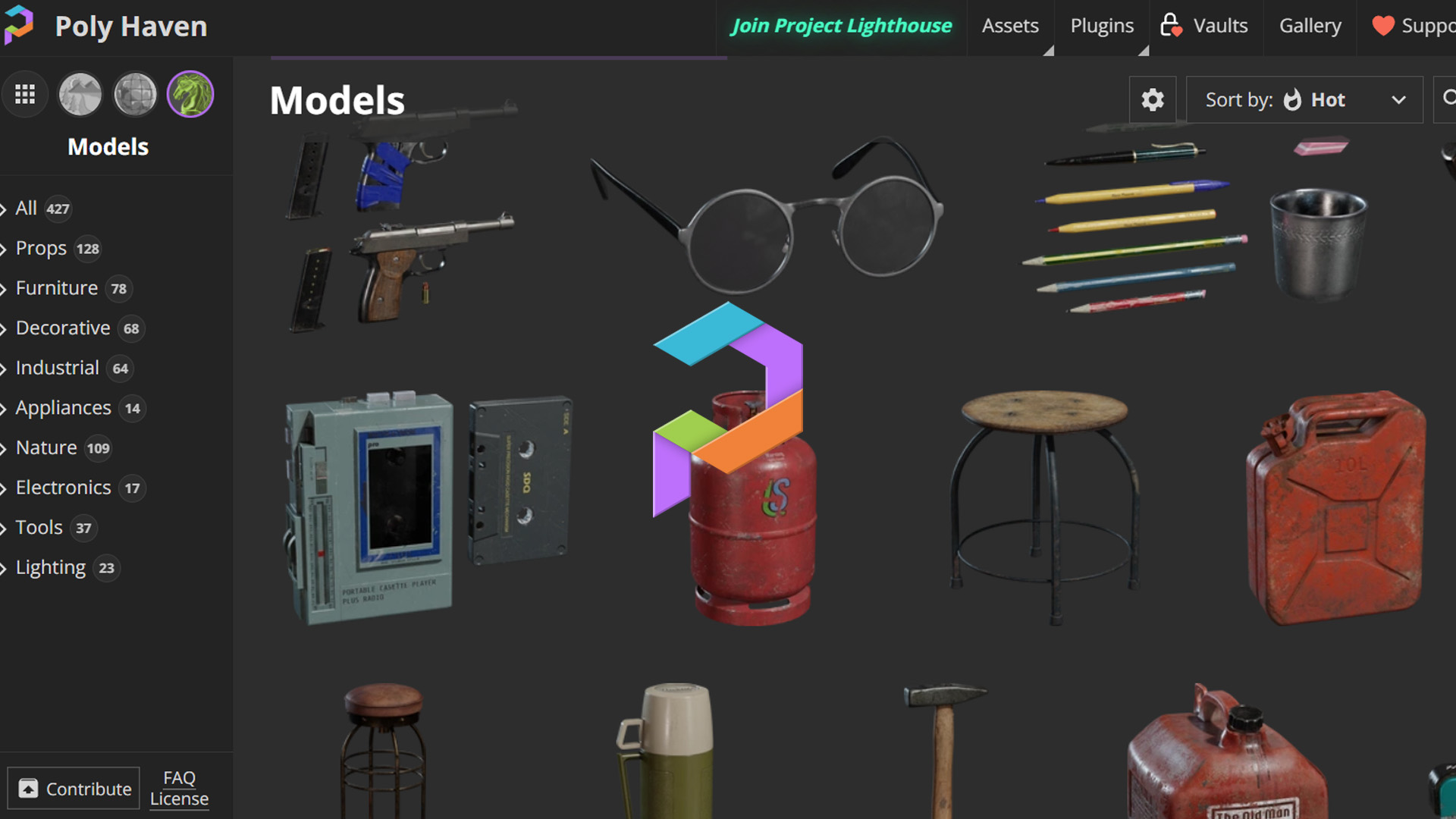
Poly Haven, built in
3,000+ free HDRIs, textures, and 3D models — browse and download from Poly Haven inside Kiosk, then send them straight into Cinema 4D.
OpenPBR Detection
Kiosk auto-detects PBR texture sets and wires a complete material — base color, roughness, metalness, normals, and more — the moment it lands in Cinema 4D.

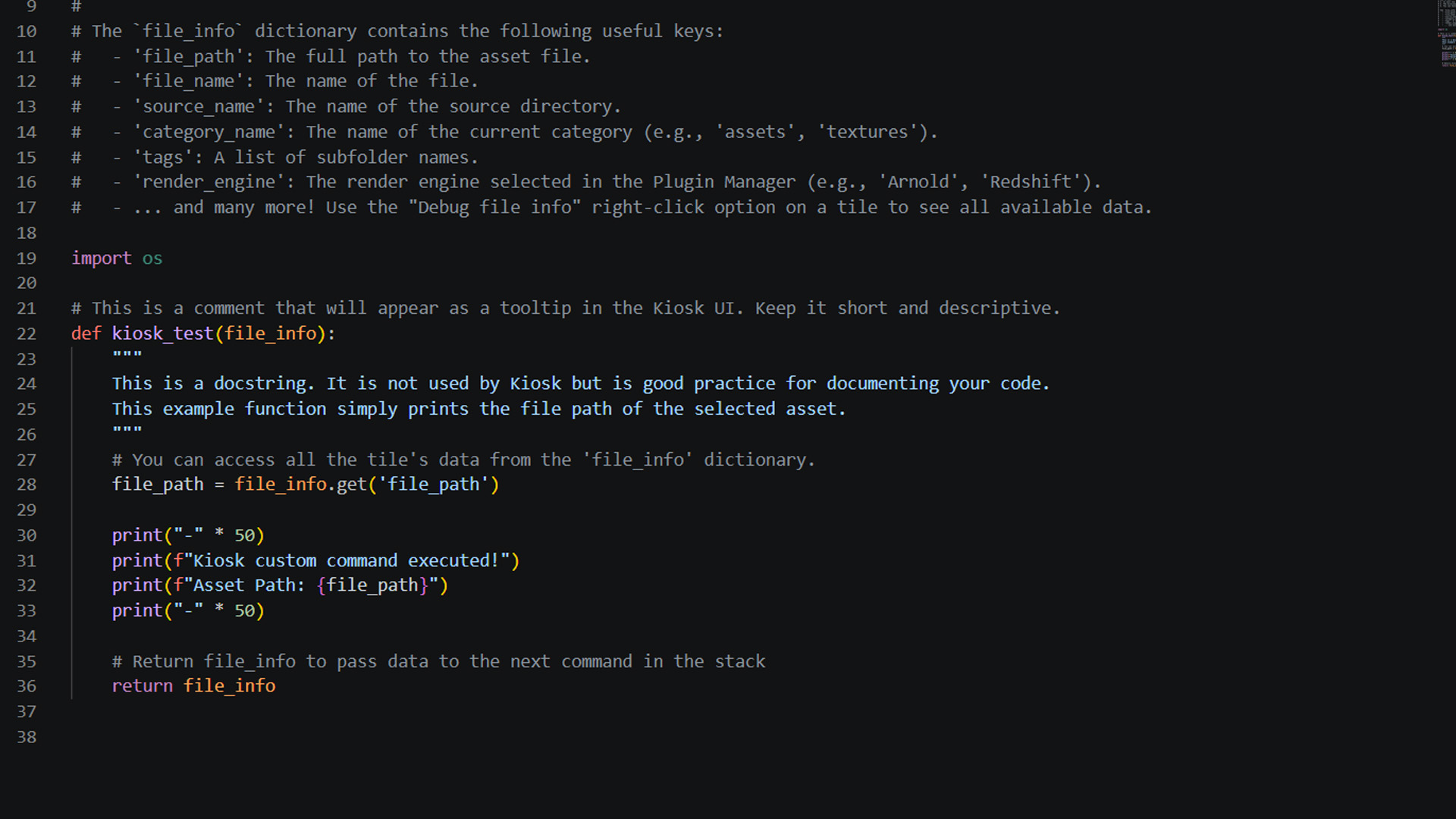
One-click Command Stacks
Build sequences of Python commands per category. Import an asset, create a material, and set up lighting — all in a single click inside Cinema 4D.
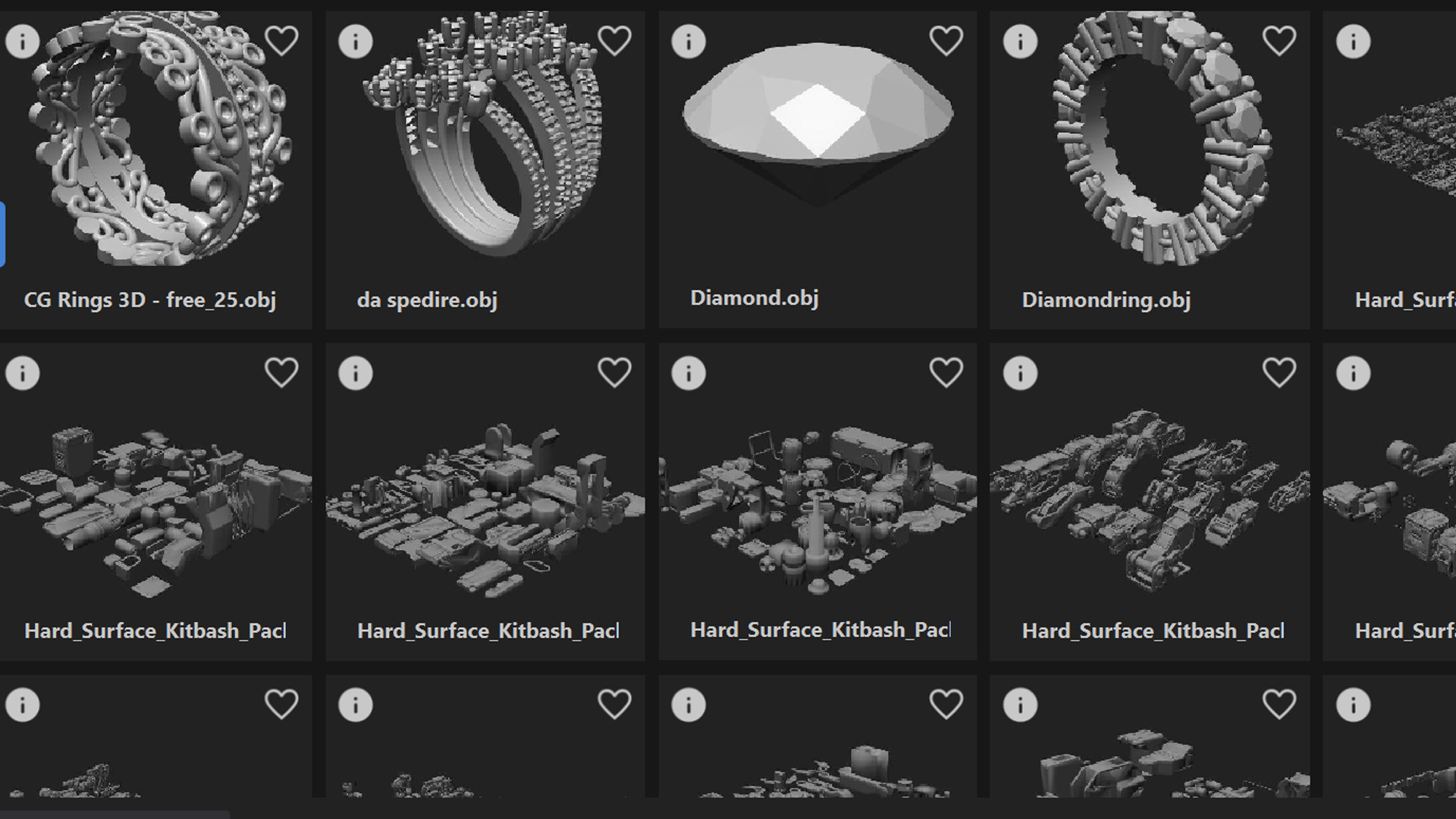
Auto Thumbnails
Every model, texture, and HDRI gets a visual preview generated automatically. Browse your whole library by image, never by filename.
// workflow
Built for your Cinema 4D workflow
Designed to fit the way you already work.
One-Click Export
Click any asset in Kiosk and it imports directly into your Cinema 4D scene. No file dialogs, no manual path copying.
Extensions Menu Access
Launch Kiosk via Extensions → Kiosk Library. Stays connected while you work — no window switching needed.
OpenPBR Detection
Kiosk automatically detects PBR texture sets and wires complete Redshift or Octane material nodes — no manual channel assignment.
Polyhaven Integration
Browse and download HDRIs, textures, and 3D models from Polyhaven inside Kiosk and send them straight into your Cinema 4D scene.
Auto Thumbnails
Every asset in your library gets a visual preview generated automatically. Browse by image, not by filename.
Supported Renderers
Octane and Redshift. Kiosk sets up renderer-specific material nodes automatically based on your active renderer.
// setup
Up and running in minutes
Installing the Cinema 4D plugin takes less than 5 minutes.
- 1
Download and install Kiosk Library on your machine.
- 2
In Kiosk, open App Menu → Plugin Manager, select Cinema 4D, and click Install. Browse to your Cinema 4D installation directory — Kiosk copies the plugin files automatically.
- 3
Restart Cinema 4D.
- 4
Launch Kiosk via the Extensions Menu → Kiosk Library.
- 5
Click Launch Kiosk in the panel. A green dot in Kiosk's top-right confirms the live session is active.
// integrations
Use a different app too?
One library, every DCC. Kiosk plugs into all of them.




Bring your library into Cinema 4D.
The Cinema 4D plugin is free. No account, no subscription. Install it in minutes and never leave your workspace to find an asset again.